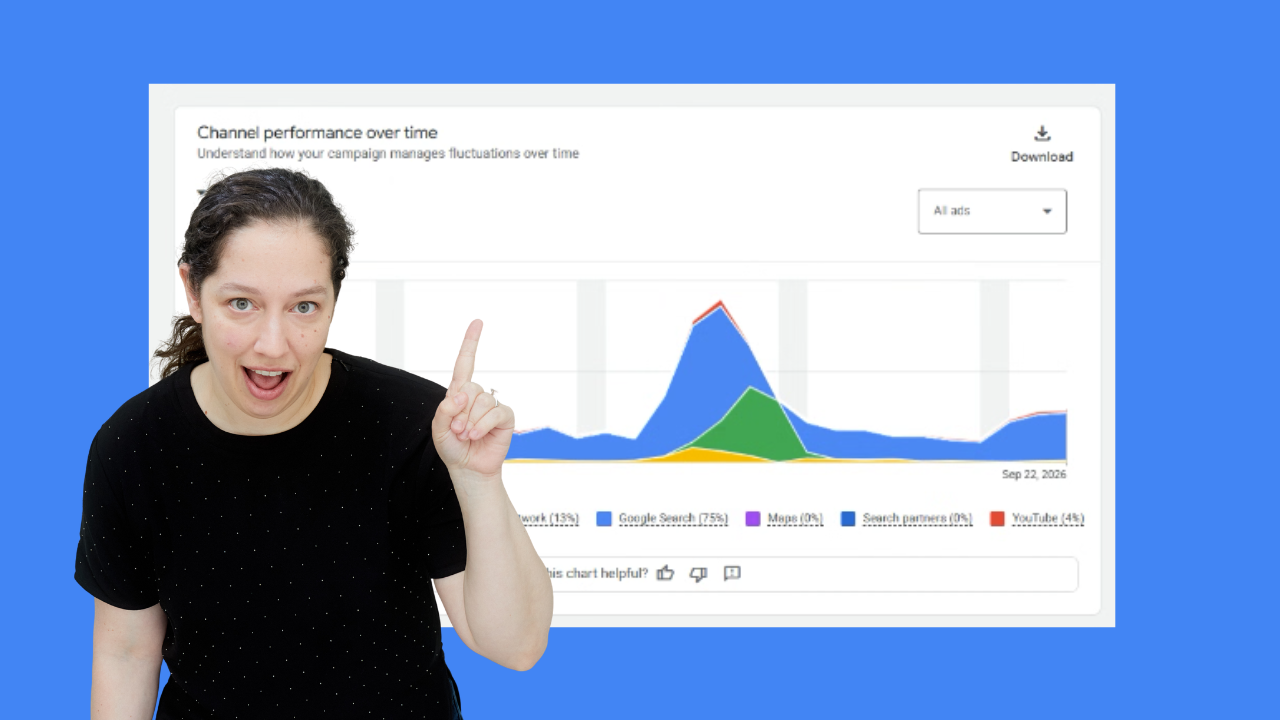
When a Google Ads campaign isn't serving enough impressions, your knee-jerk reaction might be to loosen up the targeting. After all, if exact match keywords are only getting a handful of clicks a day, adding broad match keywords seems like the fastest way to get the account moving, right? Hmm...
I recently had a Google Ads coaching call with Anabel, an agency account manager who was running into this exact issue with a local services client. Her exact match Search campaign had a modest budget, but even still, it was barely spending. To get more traffic, she decided to add broad match keywords.
Traffic went up, but performance didn't, so that's why she brought this client's account up on our call. And what we found was truly a cautionary tale...
This issue of The Insider is sponsored by Optmyzr
Optmyzr's MCP just landed in Claude's official MCP Directory. It's gotten sharper lately, too — it can now create and apply new keywords for you right in the chat (with your sign-off before anything goes live), and LinkedIn Ads data just joined Google, Microsoft, and Meta in the mix.
(affiliate link)
First stop? The search terms report. Not surprisingly, it was full of irrelevant queries, like competitors that weren't really competitors, services the client didn't offer, etc.
But if broad match wasn't the solution, what was? I suggested that Anabel look back at the campaign data from before she added broad match - when the campaign only had exact match keywords, but was barely serving any impressions.
We saw that during this time period, her non-brand search impression share was over 86%. On some days, it was 100%! Now I knew exactly what was happening.
Sky-high search impression share between 86% and 100% means that even though the campaign was serving very few impressions, it was capturing practically every single person searching for those exact terms (and all close variants) in her target zip codes. The campaign wasn't failing to serve because of bad setup; it was capturing the entire available market. There were simply only 10 to 15 people searching for her client's services in that area each day.
Adding broad match keywords doesn't magically make more people need these services, so it exacerbated the problem. It forced Google Ads to show her ads on less relevant searches, which burned through the budget without driving any business results.
On top of that, we uncovered a second issue: the account lacked reliable conversion tracking. The client didn't allow this agency access to their tag containers (red flag alert!) so conversions were not being properly tracked.
Pairing broad match with inaccurate conversion tracking meant there was no way for those wide-reaching keywords to learn and optimize. So what could Anabel do?
I advised her to fix the tracking foundation first. Never optimize or scale campaigns when conversion tracking is broken! And if you don't own or control the tracking, push your client/agency for full access so that you can work effectively. Without accurate data, smart bidding and campaign optimization are just guesswork.
Next, I advised her to revert back to exact match - especially given the poor conversion data. Capture the small, highly valuable group of people who are actively searching for what you offer... and then shift from capturing demand to creating demand.
When local search volume is maxed out, I always recommend launching a small budget Demand Gen campaign. Demand Gen uses visual ad formats across YouTube, Discover, Maps and Gmail to target specific audiences (like homeowners) who aren't actively searching right now, but are the right target customer for the future.
(This previous issue of The Insider walks through another client with a similar problem, and how we solved it.)
Are you stuck with spiraling Google Ads performance? Book a call with me, and we'll sort it out together.
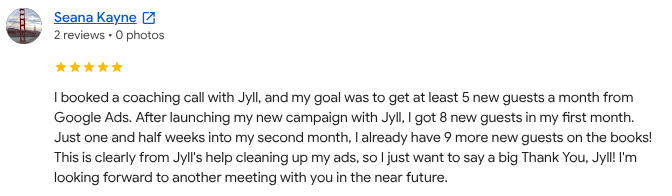
P.S. If you're in the Toronto area, you've gotta join me for Inside Google Ads Live at the CN Tower on October 29, 2026!
Learn more and get tickets now